Effortless time tracking, reports, and sharing
Log time with rich descriptions, connect your calendar, turn work into polished reports, and share them with anyone by link, whether they have an account or not.
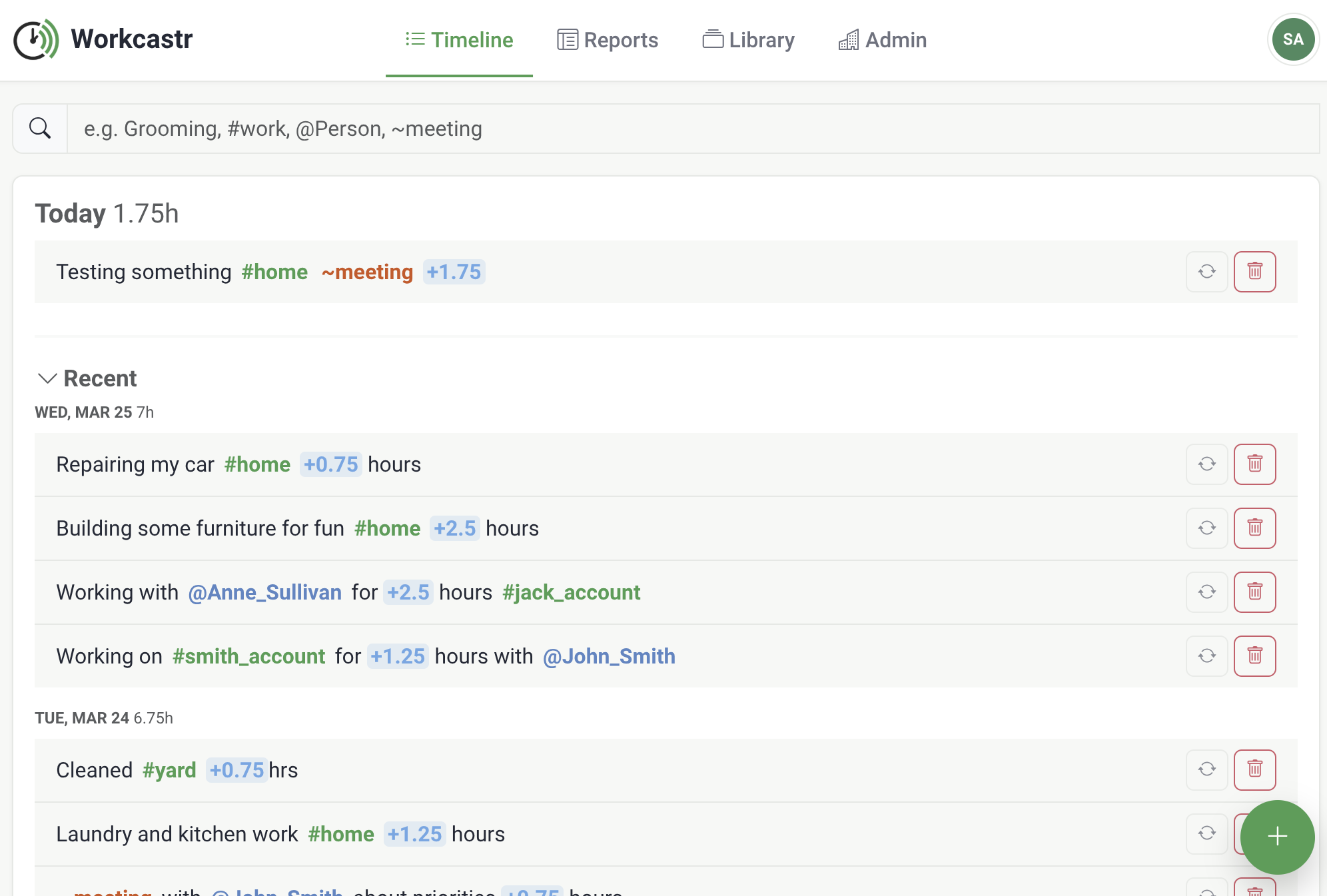
Log time with rich descriptions, connect your calendar, turn work into polished reports, and share them with anyone by link, whether they have an account or not.
Simple, powerful features for tracking work and sharing the story behind it.
Log hours with dates and rich descriptions. No clunky forms—just quick, natural input.
Use @people, #projects, and ~tags in descriptions. Workcastr auto-creates and organizes them.
Connect Google Calendar, Outlook, iCal, Todoist and more. Import information from external sources as log entries automatically.
Share reports instantly with teammates, clients, or stakeholders using a simple link. Viewers do not need a Workcastr account.
Get from signup to insights in minutes.
Sign up in seconds. No credit card required.
Link Google Calendar or Outlook to import events.
Add entries manually or from calendar. Use @ # ~ to organize.
Generate a report and send a link that anyone can open, even without an account.
Start on Beginner forever, or try Pro or Business free for 30 days.
Always free
$50/year when billed annually (~$4.17/mo)
30-day free trial
Per user · plus tax where applicable
$70/user/year when billed annually (~$5.83/user/mo)
30-day free trial
Quick answers to common questions.
@name), projects (#project), and tags (~tag) directly in your time entry descriptions. Workcastr automatically creates and organizes these for you.